1
Install both apps first
You will need both apps. Install both before continuing.
iPhone / iPad selected: tap an app below to install it from the App Store
Android selected: tap an app below to install it from Google Play

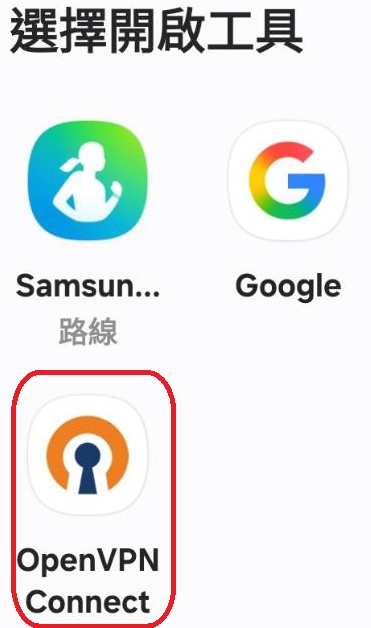
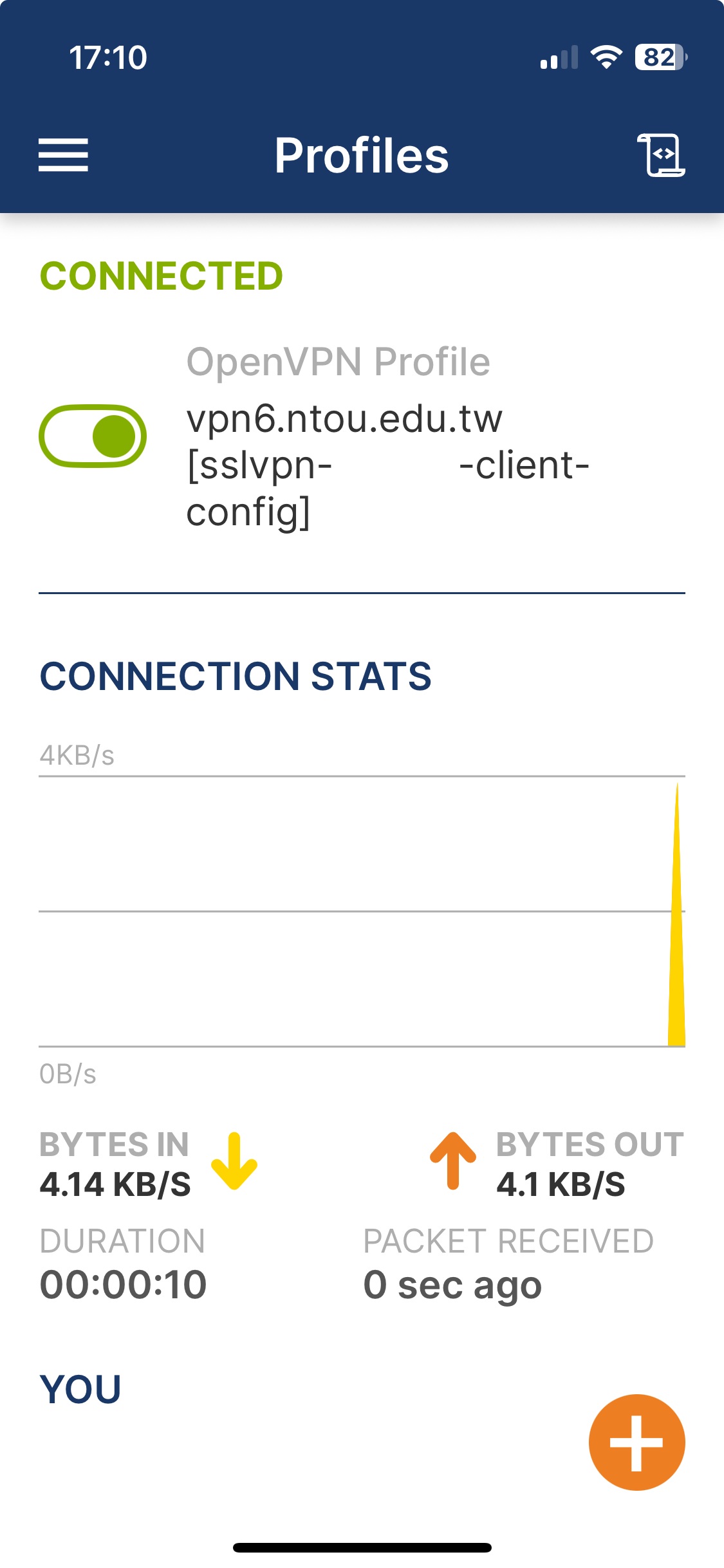
OpenVPN Connect
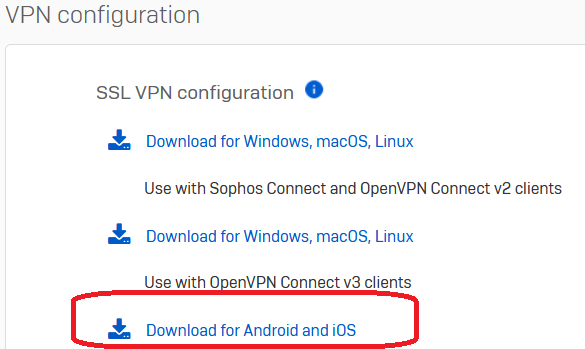
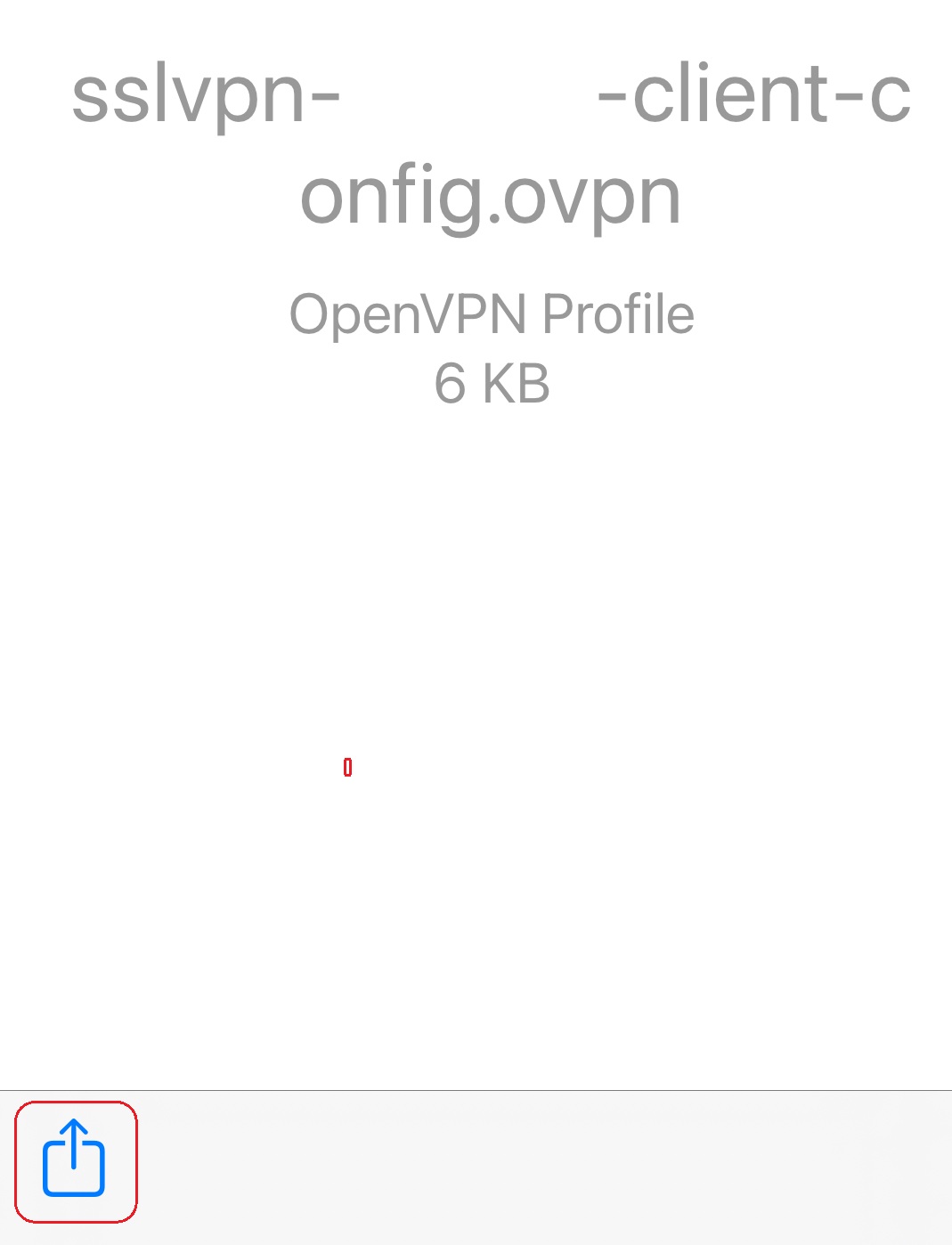
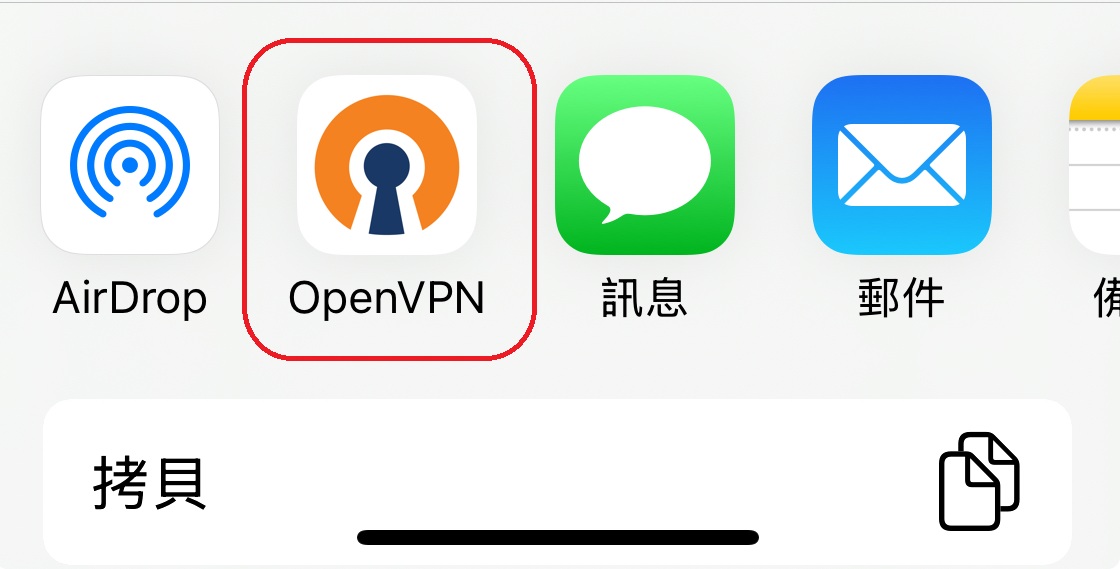
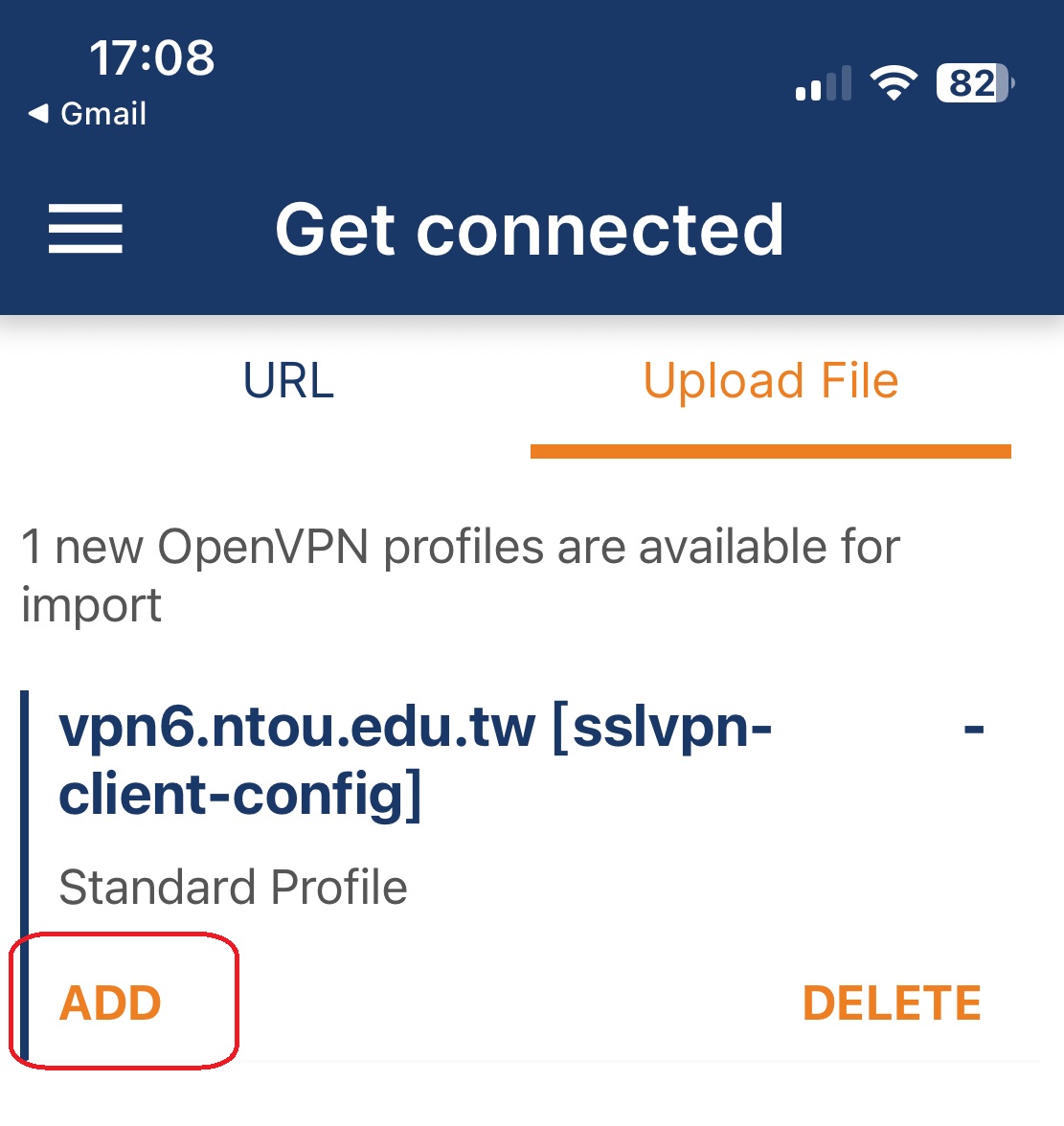
Imports the configuration file and connects to VPN.
Developer: OpenVPN Inc.

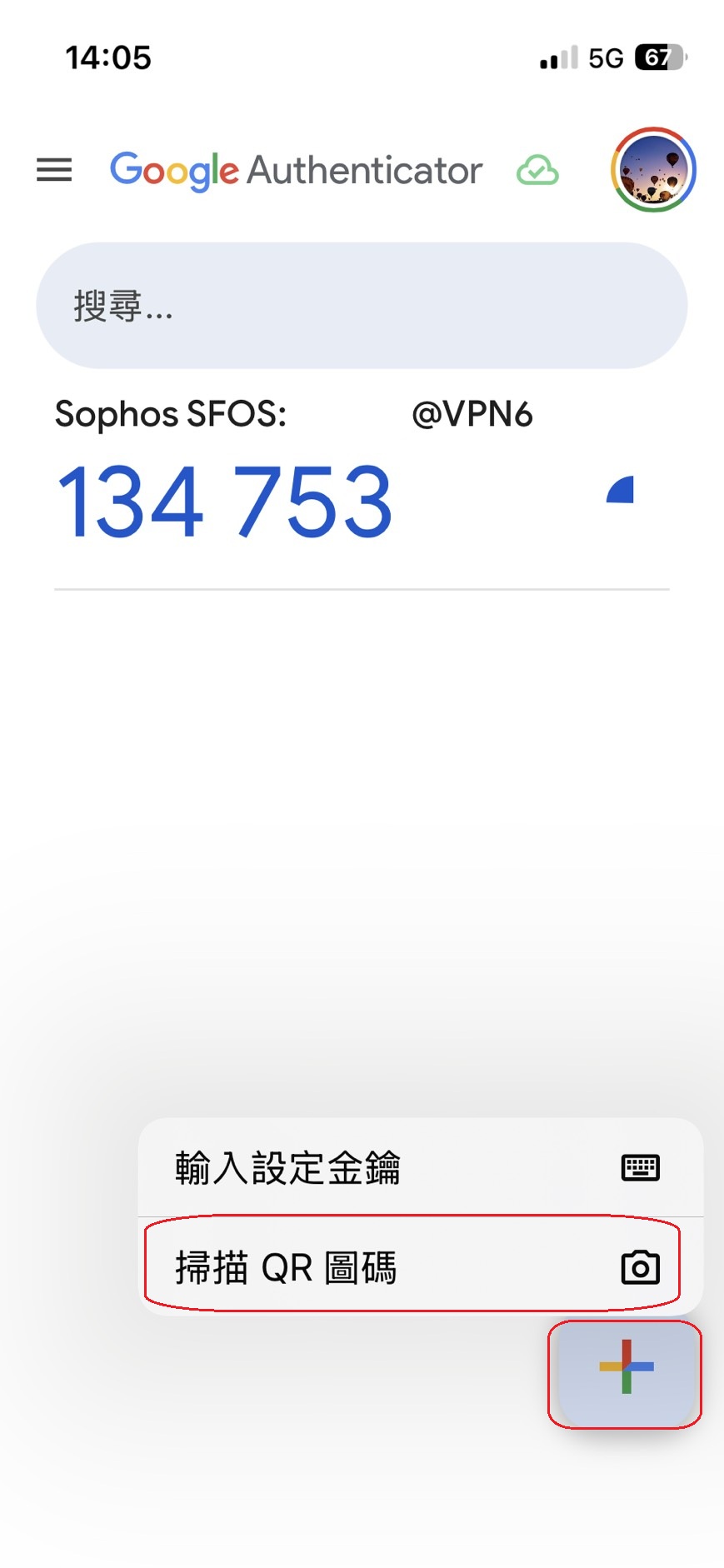
Google Authenticator
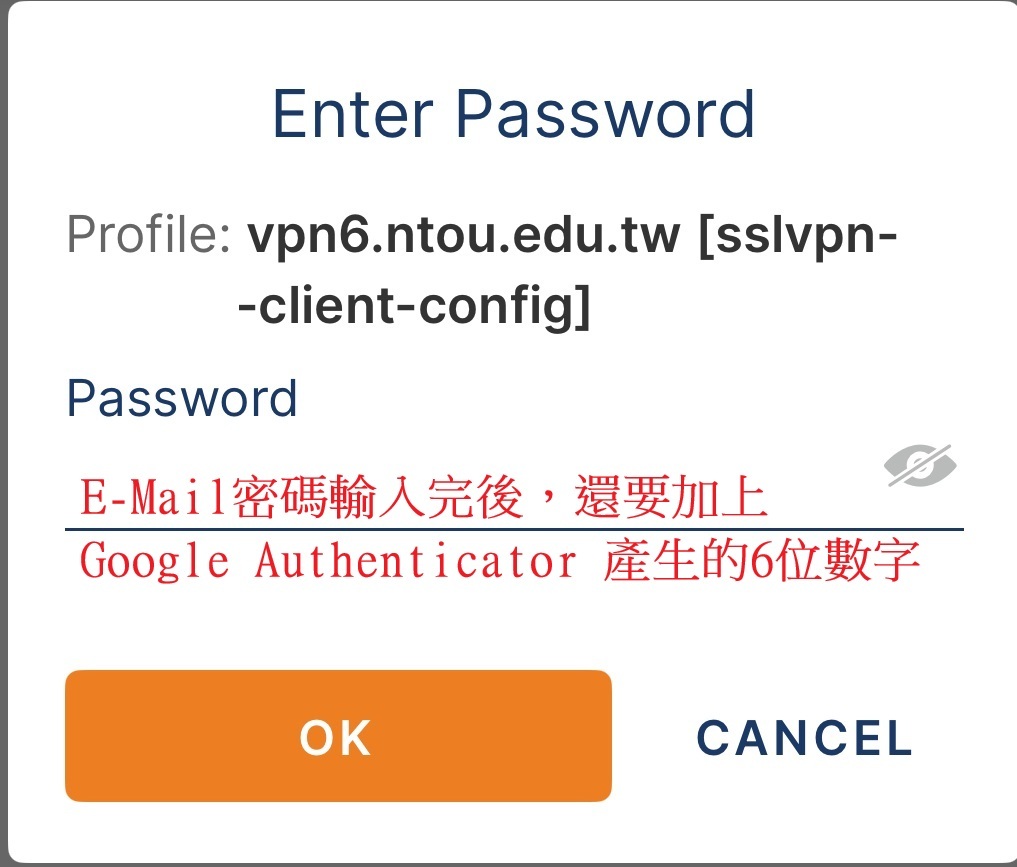
Generates the 6-digit one-time code needed to log in to VPN.
Developer: Google
Step 1 is complete when both apps are installed.
Continue to Step 2 to enable MFA one-time codes.